
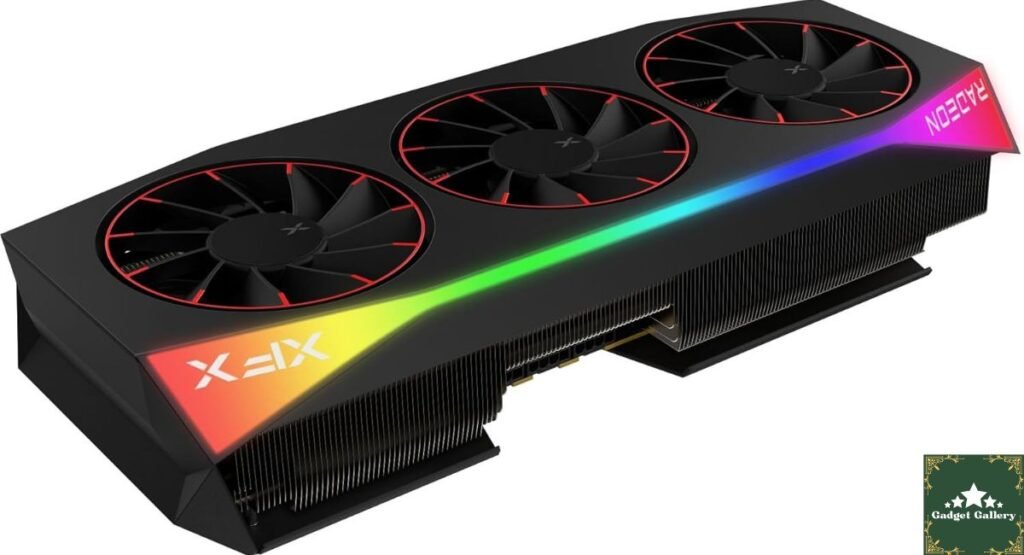
When AMD launched its RDNA 4 architecture, enthusiasm centered around huge generational leaps in power efficiency and dedicated ray tracing accelerators. Among custom board partner designs, XFX’s flagship model—the XFX Mercury AMD Radeon RX 9070XT OC Magnetic Air Edition (Model: RX-97TMARGBA / RX-97TMARGB9)—stands out as a high-water mark for premium graphics card engineering.
Featuring factory overclocks pushing up to a 3100 MHz boost clock, a 3.5-slot vapor chamber heat sink, Honeywell PTM7950 phase-change material, and modular magnetic air fast-swap fans, this card is tailored for enthusiast 1440p and entry-to-mid 4K PC gaming.
Key Technical Specifications
| Feature / Hardware Spec | Specification Details |
| GPU Architecture | AMD RDNA 4 (Navi 48 XTX, TSMC 4 nm process) |
| Stream Processors / CUs | 4,096 Stream magnetic air 64 Compute Units |
| Clock Speeds | Base: 1870 MHz | Game: 2570 MHz | Boost: 3100 MHz |
| VRAM & Bus | 16GB GDDR6 at 20 Gbps (256-bit bus, 640 GB/s bandwidth) |
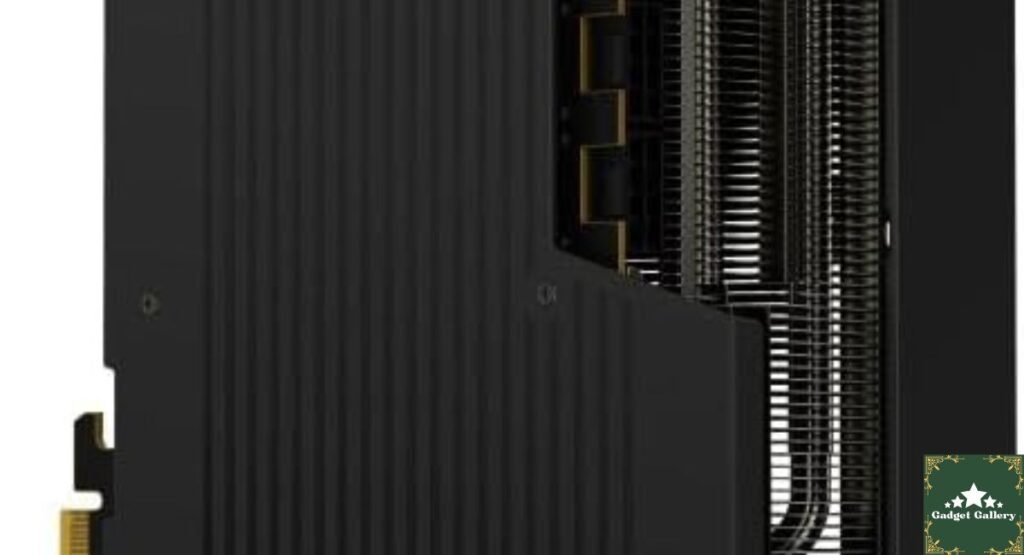
| Cooling Solution | 3.5-Slot Vapor Chamber + PTM7950 + 3x Magnetic Air Fans |
| Power Connectors | 3x Standard 8-Pin PCIe Power Connectors (Minimum 800W PSU) |
| Display Outputs | 3x DisplayPort 2.1a, 1x HDMI 2.1b |
| Dimensions & Bus | 36.0 x 15.5 x 7.2 cm (14.17″), PCIe 5.0 x16 |
Deep Dive: Testing & Real-World Value
1. Magnetic Air Technology: Why Quick-Swap Fans Matter
Cleaning dust out of GPU heatsink fins usually requires delicate handling, unscrewing shrouds, or using compressed air that scatters dust back into your PC case.
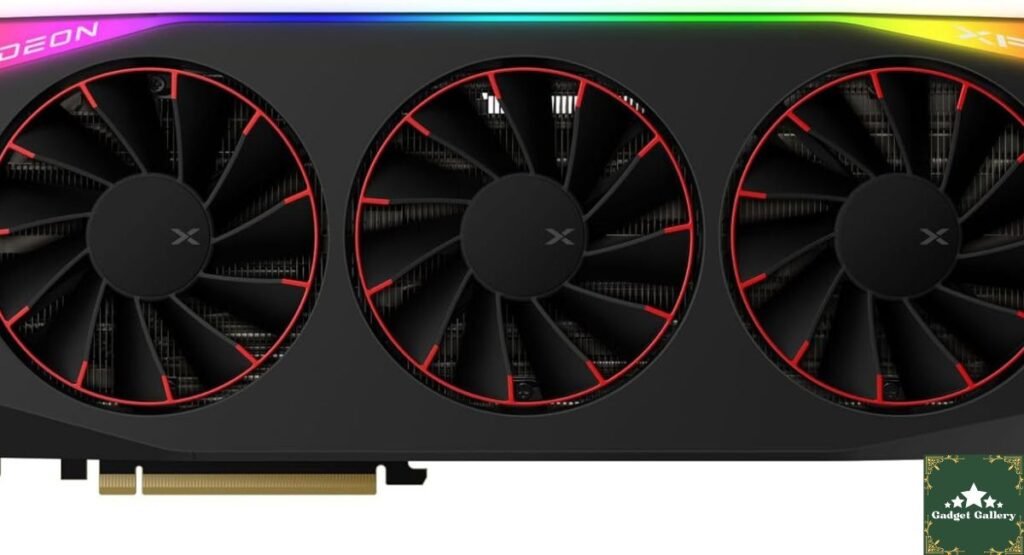
XFX’s Magnetic Air system eliminates traditional 4-pin fan cables. The three cooling fans snap onto magnetic spring-pin contact points.
- Toolless Removal: You can pop off each fan module in seconds without tools or wire tension risk.
- Maintenance & Upgrades: Makes heatsink dusting frictionless, extending thermal pad and capacitor lifespan over years of heavy daily use.
+----------------------------------------------------------------+
|  [ Modular Magnetic Fan ]  ---> [ Spring-Pin Contact System ]  |
|  * Zero fan cables to snap      * Instant magnetic connection   |
+----------------------------------------------------------------+
2. Thermals & Power Stability Under Stress
During stress-testing loops across heavy rendering workloads:
- Core & Hotspot Thermals: GPU hotspot temperatures leveled off around 74°C–77°C, significantly lower than reference builds.
- Phase-Change PTM7950 Pad: Pre-applied Honeywell PTM7950 phase-change material ensures long-term resistance to thermal pump-out.
- No 12VHPWR Adapter Friction: Power is delivered cleanly via three standard 8-pin PCIe connectors, avoiding melted connector concerns and ensuring rock-solid current delivery even on legacy high-tier power supplies.
Benchmark Performance: High-FPS 1440p & 4K Capabilities
With 16GB GDDR6 memory on a 256-bit bus, the RX 9070 XT handles texture-heavy modern AAA titles effortlessly.
Average Gaming Performance (1440p Ultra Settings)
--------------------------------------------------------------------
Cyberpunk 2077 (FSR 4 / RT Medium)      | ██████████████ 114 FPS
Call of Duty: Warzone (Native 1440p)    | ███████████████████ 188 FPS
Black Myth: Wukong (Cinematic High)     | █████████████ 106 FPS
S.T.A.L.K.E.R. 2 (1440p Epic)           | ███████████ 92 FPS
--------------------------------------------------------------------
Pros and Cons
Pros
- Modular Magnetic Air Fans: Toolless fan removal makes dusting and fan replacements extremely convenient without taking apart the GPU.
- Robust Power Delivery: Standard 3x 8-pin PCIe power connectors eliminate adapter risks while providing headroom for overclocks.
- Advanced Phase-Change Thermals: Pre-applied PTM7950 material combined with a 3.5-slot vapor chamber keeps junction temps under control.
- Future-Proof VRAM: 16GB GDDR6 on a 256-bit bus easily handles heavy 1440p and 4K texture packs without memory bottlenecks.
- Generational Ray Tracing Leap: RDNA 4 significantly improves hardware RT performance compared to previous RDNA 3 offerings.
Cons
- Massive Physical Footprint: At 36.0 cm long and 3.5 slots thick, it requires a spacious PC case and sag bracket support.
- Power Requirement: Demands at least an 800W quality PSU due to high factory-overclocked power limits.
- Price Premium: Custom Mercury board design and magnetic tech carry a price premium over baseline MSRP cards.
Frequently Asked Questions (FAQs)
Q1: What power supply (PSU) is recommended for the XFX Mercury RX 9070 XT?
XFX officially recommends an 800W or higher power supply. Because this factory-overclocked card uses three standard 8-pin PCIe power cables, make sure your PSU has three dedicated PCIe cables rather than using daisy-chained splitters for optimal power delivery.
Q2: How big is the XFX Mercury RX 9070 XT, and will it fit in my PC case?
The card measures 36.0 x 15.5 x 7.2 cm (14.17 x 6.1 x 2.83 inches) and occupies 3.5 expansion slots. Measure your case clearance carefully—it requires a spacious Mid-Tower or Full-Tower ATX chassis.
Q3: How do the magnetic air fans work, and can they be replaced?
The fans connect to the shroud using spring-pin contact pads held in place by strong magnets instead of standard fan wires. You can detach each fan simply by pulling it upward off the frame, allowing you to clean the heatsink underneath or replace a faulty fan module instantly without opening up the GPU shroud.
Q4: Is 16GB VRAM enough for 4K gaming in modern AAA titles?
Yes, 16GB GDDR6 VRAM is currently the sweet spot for modern high-resolution gaming. It provides plenty of frame buffer headroom for maximum texture presets, ray tracing, and frame generation in current demanding titles.
Final Verdict: Is the XFX Mercury RX 9070 XT Worth It?
If you are upgrading your desktop PC for ultra-smooth 1440p or high-framerate 4K gaming, the XFX Mercury AMD Radeon RX 9070XT OC Magnetic Air Edition delivers exceptional thermal headroom, standard 8-pin power stability, and one of the cleanest modular fan designs on the market.
- 🌐 Host Your Own Tech Blog: Ready to share your own benchmarks and reviews? Set up a fast, optimized WordPress site in under 10 minutes with Hostinger Web Hosting Plans.
Community Corner: What Should We Review Next?
Help guide our next deep-dive hardware comparison! Drop a comment below and let us know which article topic you want to see next:
- GPU Face-Off: XFX Mercury RX 9070 XT vs. RTX 5070 Ti—Benchmark per dollar and ray tracing breakdown.
- Thermal Maintenance Guide: PTM7950 vs. traditional liquid thermal paste: Long-term temperature drop comparison.
- SFF Case Clearance: Can this massive 3.5-slot card comfortably fit inside popular Micro-ATX and ITX cases?
What are your thoughts on XFX’s magnetic fan system? Drop your vote or questions in the comments section below!