
Three months ago I was sitting at my desk staring at a 5-year-old 1080p monitor that ran at 60Hz, wondering why I felt oddly exhausted after long work sessions but couldn’t explain why. My eyes weren’t hurting exactly—it was more like they were just… tired. The kind of tiredness that makes you want to stop looking at a screen, but you can’t because work doesn’t pause.
A colleague mentioned offhand that 60Hz monitors strain your eyes more than you think during long workdays. I’d heard this before but dismissed it as tech enthusiast talk. But that night I found myself falling down the rabbit hole of monitor refresh rates, response times, and why any of this actually matters for people who aren’t hardcore gamers.
That search led me to the Dell 27 Plus Monitor S2725HSM—a 27-inch FHD display at 144 Hz with a 1 ms response time, built-in speakers, AMD FreeSync, and a full set of ergonomic adjustments—in an actually attractive Ash White colorway that doesn’t look like it was designed exclusively for a gamer’s bedroom at 2 AM.
I’ve had it on my desk for three months now. Here’s the full, unfiltered story.
Why I Chose This Monitor Over Everything Else at This Price
Let me be honest about something: I was not specifically looking for a “gaming monitor.” I work from home. I edit photos occasionally. I watch a video. I play maybe four hours of games per week—nothing competitive or high-stakes. My needs were boring by monitor-enthusiast standards.
What I actually needed was
- Large enough to be comfortable (27 inches felt right)
- Smooth enough that long days didn’t feel like punishment
- Decent enough sound for video calls without a separate speaker
- Flexible enough ergonomics to adjust for sitting and occasional standing desk use
- Not so expensive that I’d feel guilty about it
The Dell 27 Plus checked every single one of those boxes.
The Ash White colorway was honestly a factor too. My home office has white furniture and light walls. Matte black monitors work fine, but the Dell’s ash-white finish matched the space in a way that sounds superficial but genuinely makes you more comfortable sitting at your desk every day.
Unboxing and Setup: What the First 45 Minutes Looked Like
Dell’s packaging is practical rather than theatrical. No fancy magnetic boxes, no layers of branded tissue paper. Functional foam, clear instructions, everything where it should be.
The base assembly is tool-free—the stand arm clicks into the base, the monitor clicks onto the arm, and the whole process took me about 8 minutes without reading anything carefully. The height adjustment is smooth with enough resistance that it stays where you put it rather than slowly sinking over time (a problem I had with a cheaper stand-mount setup I tried previously).
Cable management on the stand is a small thing but worth mentioning—there’s a routing clip that keeps your HDMI and power cables contained along the arm. It’s the kind of detail that matters when your monitor is the centerpiece of a desk you look at for 8-10 hours a day.
First power-on: the display looks immediately crisp. Out-of-the-box calibration was genuinely good—I didn’t touch color settings for the first two weeks, and the image was comfortable and accurate without adjustment.
The 144Hz Difference: Was It Actually Noticeable?
Short answer: embarrassingly yes, even for non-gaming use.
Longer answer: I put the monitor next to my old 60Hz display for the first three days to compare directly. The difference in scrolling a webpage or moving windows across the screen is not subtle. It’s immediately visible. 144Hz is smoother in a way that takes about 30 seconds to adjust to and then makes going back to 60Hz feel like watching a slightly out-of-focus video.
For daily work use—writing in Google Docs, browsing, moving between apps—the visual fluidity reduces the subtle tension you don’t realize you’re experiencing on a lower refresh rate monitor. I can’t claim scientific precision here, but my end-of-day eye fatigue noticeably reduced in the first two weeks. I attributed some of it to placebo. By week three I stopped second-guessing it.
For gaming (my casual four hours a week), the difference is even more obvious. I play mostly third-person action games and occasionally FIFA. On the S2725HSM, character movement and camera panning feel naturally smooth rather than having that subtle choppiness you tune out on 60Hz but notice the moment it’s gone.
AMD FreeSync works exactly as described—no screen tearing during gaming, and transitions between frame rates are handled cleanly. You won’t notice FreeSync when it’s working, which is the correct behavior for a variable refresh rate technology.
The 1ms Response Time: Gaming Reality Check
A 1 ms response time sounds impressive. The honest context: 1 ms response time on an IPS-like panel is measured using MPRT (Moving Picture Response Time) rather than GtG (gray-to-gray), which is the more common measurement in monitor spec sheets.
MPRT and GtG are different measurements and can’t be directly compared. MPRT reflects how long a pixel appears to be in a given state to the human eye with backlight strobing, while GtG measures actual pixel transition speed.
What does this mean in practice? The S2725HSM is fast—competitive shooters at casual levels felt responsive with no visible ghosting. During fast-paced scenes in gaming, I didn’t notice motion blur that bothered me.
For competitive esports players who need the absolute fastest response time available—0.5 ms GtG TN panels exist—the Dell 27 Plus is not that monitor. For everyone else, including most gamers, the response time is more than adequate and won’t be your limiting factor.
Built-In Speakers: Genuinely Useful or Just Marketing Box-Ticking?
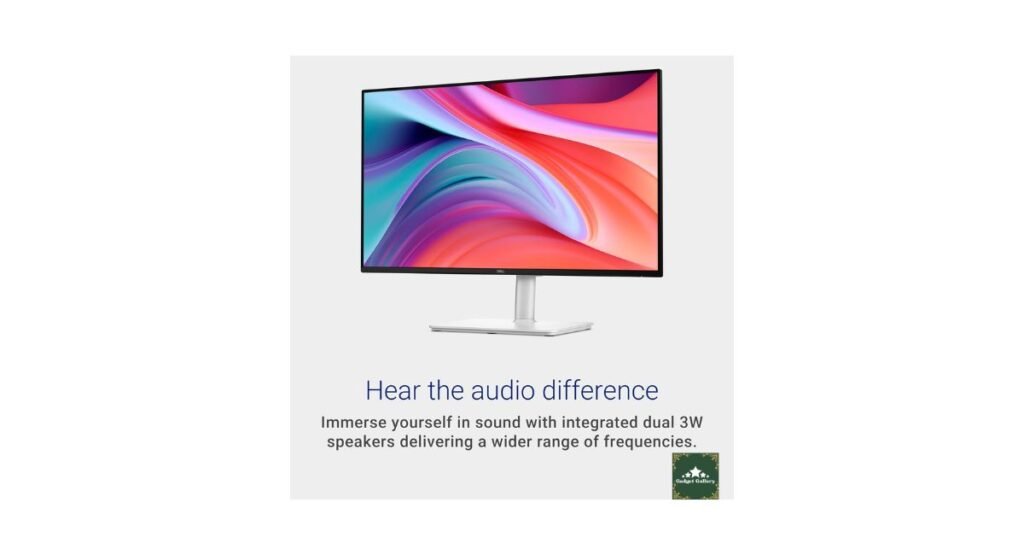
Two 3W speakers built into the monitor back panel. My honest expectation: adequate for video calls and nothing else.
Actual result: better than adequate for video calls, actually usable for casual YouTube and video content, not great for music or anything you want to listen to critically.
The speakers produce clear enough mids so that voices are intelligible at comfortable volume levels. Video call audio from Zoom and Teams is clean. System sounds and notification audio work fine.
For music, podcasts, or content you actually care about sonically—get headphones or a Bluetooth speaker. The Dell’s 3W speakers produce thin audio with no meaningful bass. But for a monitor in this price range, having usable speakers built in saves desk space and eliminates one cable entirely for people who don’t need audiophile output from their workstation.
I personally use the built-in speakers for video calls and switch to headphones for everything else. That workflow works seamlessly.
Ergonomics: The Feature I Used More Than I Expected
The S2725HSM offers height, tilt, pivot, and swivel adjustment. I read this spec and thought, “Sure, I’ll set the height once and never touch it again.”
Three months of actual use: I adjust the height at least twice a week.
I work at a fixed-height desk but vary between sitting in a regular chair and a higher drafting-style chair position. The height range on the Dell’s stand accommodates both comfortably without my neck doing anything it shouldn’t be doing.
Pivot (rotating the monitor to portrait orientation)—I use this rarely, but it’s been useful twice for reviewing long documents and reading PDF pages that are formatted for portrait layout. It works smoothly, and the monitor handles portrait orientation without software prompting on Windows 11.
Swivel is useful if multiple people share your workstation or if you occasionally turn the screen to show someone sitting beside you. More useful than I thought for a home office where your partner occasionally leans in to see something on your screen.
Tilt is standard and works as expected.
The ergonomic flexibility of this monitor has meaningfully improved my posture situation over three months. That’s not something I expected to be writing about a monitor, but here we are.
The Ash White Colorway: Practical Observations
The Ash White finish is a warm off-white, not a bright brilliant white. In the context of a desk setup, it reads as clean and light without being stark.
Fingerprints: minimal on the stand and base because the finish has a subtle texture. The bezel around the display is slim and slightly darker than the stand, which frames the display cleanly.
After three months: no yellowing, no scuffing visible from normal use, and no discoloration from sun exposure through my office window. The white finish has held up better than I honestly expected.
If you have a dark-themed battlestation setup with RGB everywhere, this monitor might clash aesthetically. If your workspace leans toward clean, minimal, or Scandinavian-inspired design, the Ash White fits naturally.
Real Mistakes I Made Along the Way
Mistake 1: Using an HDMI 1.4 cable instead of a 2.0. I grabbed an HDMI cable I had lying around and connected it—and was confused when I couldn’t set 144 Hz in Windows display settings. The monitor was running at 60Hz because the old HDMI 1.4 cable I used doesn’t support 144Hz at 1080p. Switched to HDMI 2.0 cable; full 144 Hz available immediately.
Lesson: If your monitor isn’t showing 144Hz as an option, check your cable first before assuming anything is wrong with the display.
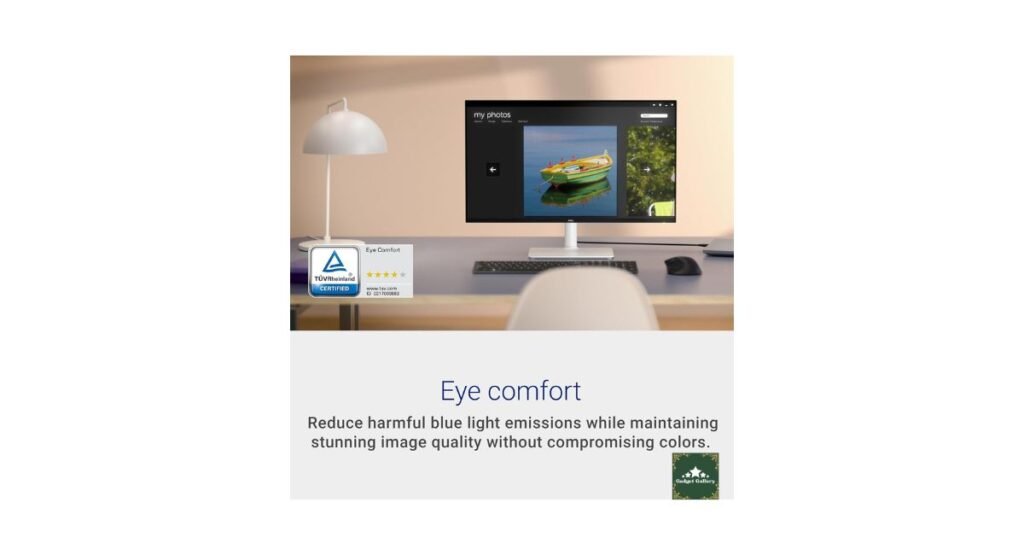
Mistake 2: Setting brightness too high initially. Dell’s out-of-box brightness was around 75%, which on a 27-inch panel at desk viewing distance was noticeably bright. I spent the first three days with mild eye discomfort before realizing I just needed to drop brightness to 50-55% for my room’s lighting conditions. Obvious in retrospect.
Mistake 3: Assuming the monitor would auto-enable FreeSync. FreeSync needs to be enabled in both the monitor’s OSD menu and in AMD’s Radeon software (or verified as active in NVIDIA’s G-Sync Compatible settings if using an NVIDIA card). The monitor ships with FreeSync enabled in OSD, but you need to confirm your GPU settings are configured to use it.
Who Should Buy the Dell 27 Plus S2725HSM?
Let me be specific here because “who this is for” is genuinely useful information:
Buy this if you:
Work from home and spend 6+ hours at a desk daily. The 144Hz refresh rate, ergonomic adjustment range, and built-in speakers make long-day comfort significantly better than typical office-spec 60Hz displays.
Are a casual to moderate gamer. If you play games a few hours a week—RPGs, sports titles, action games, even competitive shooters at a non-professional level—144Hz FHD with AMD FreeSync is a substantial upgrade over any 60Hz display and doesn’t require a powerful GPU to reach high frame rates at 1080p.
Need a clean, versatile desk setup without a lot of cables. Built-in speakers, HDMI connectivity, and cable management routing reduce desktop clutter meaningfully.
Value ergonomic flexibility. If you’ve had neck or posture issues from a monitor that only tilts, the full height/tilt/pivot/swivel range here is genuinely different.
Want a monitor that looks good during video calls. The white finish, slim bezels, and clean design look professional on camera in a way matte black budget monitors often don’t.
Skip this if you:
Are you a professional photographer or video editor needing accurate color reproduction? The S2725HSM is decent but not color-calibrated for professional creative work. Look at Dell’s UltraSharp line or a dedicated content creation display instead.
Want 1440p or 4K resolution—1080p on a 27-inch panel is comfortable but not the sharpest pixel density available at this screen size. If resolution is your priority, this monitor isn’t it.
Play competitive esports at a high level—the fastest TN panels or newer IPS panels with genuine sub-1 ms GtG response exist for serious competitive gaming. The Dell 27 Plus is excellent for most gaming but not the absolute fastest.
Already own a quality 27-inch IPS display at 144 Hz—upgrading to this from a similarly specced monitor won’t feel transformative.
Pros and Cons
Pros
144 Hz refresh rate at a real-world accessible price—the smoothness difference from 60 Hz is immediately visible for both work and gaming.
Full ergonomic adjustment—height, tilt, pivot, and swivel covers every positioning need for solo and shared workstations
Ash White design that suits modern, minimalist home offices without looking gimmicky
Built-in 3W speakers are genuinely usable for calls and casual content—saving desk space and eliminating one more device.
AMD FreeSync eliminates screen tearing for compatible GPU users with no additional cost.
1 ms response time is sufficient for all but the most competitive gaming scenarios.
Slim bezels make dual-monitor setups clean and usable without large gaps between displays.
The VESA mount is compatible if you want to use a monitor arm instead of the included stand.
Cable management routing on the stand keeps the desk cleaner without needing aftermarket solutions
Cons
1080p on 27 inches shows lower pixel density compared to 1440p or 4K at the same size—text and fine detail are less sharp than on higher-resolution panels.
1ms is MPRT, not GTG—the response time specification requires context, and competitive gamers should understand what they’re getting.
Speakers have no bass—adequate for voices and system sounds, inadequate for music or media you care about.
No USB hub on the monitor—some competitors at this price include USB-A passthrough ports on the monitor body; the Dell doesn’t.
A white finish shows dust more visibly than a dark finish—it requires occasional light cleaning to maintain appearance.
An HDMI 2.0 cable is required for 144 Hz—the required cable isn’t always in the box, depending on retail configuration.
FAQs
Q: Does the Dell 27 Plus S2725HSM come with an HDMI cable? A: Depending on the retail bundle you purchase, it may include a basic HDMI cable. For 144 Hz at 1080p, you specifically need an HDMI 2.0 or higher cable. If your monitor isn’t showing 144Hz as a resolution option in Windows, this is the first thing to check and replace.
Q: Does FreeSync work with NVIDIA GPUs? A: Many NVIDIA GPUs support AMD FreeSync through NVIDIA’s G-Sync Compatible program. The Dell S2725HSM should be recognized as G-Sync Compatible on most NVIDIA cards, but verify compatibility with your specific GPU in NVIDIA’s control panel settings.
Q: Is 1080p acceptable on a 27-inch monitor? A: At a typical desk viewing distance (24-30 inches), 1080p on 27 inches is comfortable for most users. Text is readable, images look clean, and the lower resolution means almost any gaming GPU can achieve high frame rates at 144Hz. Users who work with dense text or fine UI details daily may prefer 1440p on 27 inches for sharper pixel density.
Q: Can I use this monitor for photo or video editing? A: For casual photo editing and content review, yes. For professional color-critical editing where accurate color reproduction is essential to your workflow, the Dell S2725HSM is not specifically calibrated for that purpose. Dell’s UltraSharp series serves professional creative work better.
Q: How tall does the monitor stand go? A: The stand offers approximately 130mm of height adjustment range, which accommodates seated positions from standard chair height to higher drafting positions. Pivot to portrait orientation is also included for vertical content viewing.
Q: Does this monitor have VESA mount compatibility? A: Yes, the S2725HSM is VESA 100x100mm compatible, meaning you can remove the included stand and mount it on any standard VESA monitor arm. This is useful if you want a cleaner desk or need extended reach/positioning flexibility.
Q: Are the built-in speakers loud enough for a home office? A: At moderate room sizes with ambient noise levels typical of a home office, yes—the 3W speakers reach a comfortable listening volume for calls and casual video. In a louder environment or large room, they’ll feel insufficient. For music, headphones or a dedicated speaker are recommended.
Q: What’s the warranty on the Dell 27 Plus? A: Dell typically covers the S2725HSM with a 3-year warranty, including Advanced Exchange Service, in most markets. Verify current warranty terms with Dell or your retailer at the time of purchase.
Final Thoughts
Three months of daily use and the Dell 27 Plus S2725HSM has earned its place as the monitor I’d recommend to friends asking for a straightforward upgrade without drama.
It’s not a monitor for professionals who need color precision above everything. It’s not for competitive esports players chasing the absolute lowest response times. And if 1440p sharpness matters to you, you’ll want to look at higher-resolution options.
But for the large category of people who work from home, game casually, and want a display that doesn’t remind them it exists through discomfort and visual fatigue, this monitor quietly delivers everything it promises.
The Ash White colorway still looks good on my desk three months in. The ergonomic stand has accommodated every adjustment I needed without fuss. And most meaningfully, the end-of-day eye fatigue that sent me looking for a new monitor in the first place has genuinely reduced.
Sometimes you buy something expecting it to be fine, and it turns out to be genuinely good. The Dell 27 Plus was that for me.
🛒 Where to Buy
Check Current Price on Amazon →
Related Reviews Worth Reading
- KOORUI 27 Inch Curved Gaming Monitor Review—budget curved alternative at similar size
- HP OMEN 32c QHD Curved Monitor Review—step up to 32-inch 1440p curved
- CyberPowerPC Gamer Xtreme Review—gaming PC to pair with this monitor
- Logitech Ergo K860 Keyboard Review—complete the ergonomic desk setup
- EMEET C960 Webcam Review—video call upgrade for your monitor-centered workstation
📺 Watch Our Dell 27 Plus Setup and Display Quality Video
See the monitor unboxed, the Ash White finish in real lighting, and a side-by-side 60 Hz vs. 144 Hz comparison demonstration:
👉 Subscribe to @5stargadgetgallery on YouTube—New monitor reviews and desk setup guides every week. Hit the notification bell so you never miss one!
🌐 Start Your Own Tech Review Blog
If you want to create reviews like this and potentially earn income from them, this site runs on Hostinger—the hosting platform I’ve used since the beginning because it’s the most beginner-friendly and cost-effective option available.
What makes Hostinger worth it for a review blog:
- Plans start at just $2.99/month
- Free domain name included for the first year
- One-click WordPress installation (no technical knowledge needed)
- Fast global servers for better Google rankings
- 24/7 live chat support in plain English
Launch your tech review blog with Hostinger today. →
Disclosure: This article contains Amazon Associates affiliate links. As an Amazon Associate, I earn from qualifying purchases at no additional cost to you. The Dell 27 Plus S2725HSM was personally purchased and used for three months prior to writing this review. All findings and opinions are entirely my own.